Introduction to Git
1. What Is Git?

1.1 Official Definitions
From Git SCM
- Git is a free, open-source, and distributed version control system.
- Designed to handle projects of all sizes with speed and efficiency.
- Key features:
From Wikipedia
- Git tracks versions of files, mainly source code.
- Often used in collaborative software development.
1.2 A Simplified Explanation
- Git helps you track, manage, and revert changes in your files.
- It's the most popular version control system today.
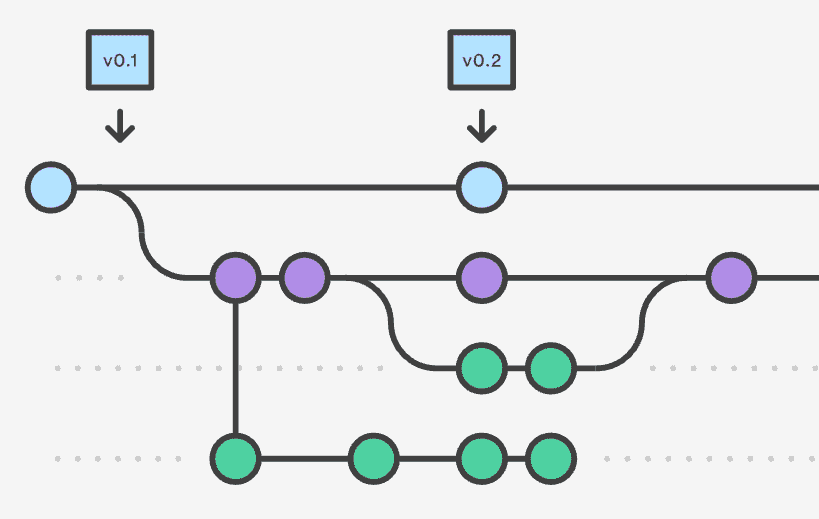
Version Control System:
Version control is the practice of managing and tracking changes to files over time, especially for software development.
2. Why Use Git?
2.1 Benefits of Version Control
With Git, you can:
- Revisit earlier versions of your work
- See what's changed and when
- Undo mistakes
- Collaborate with others on the same files
2.2 Real-Life Analogies
-
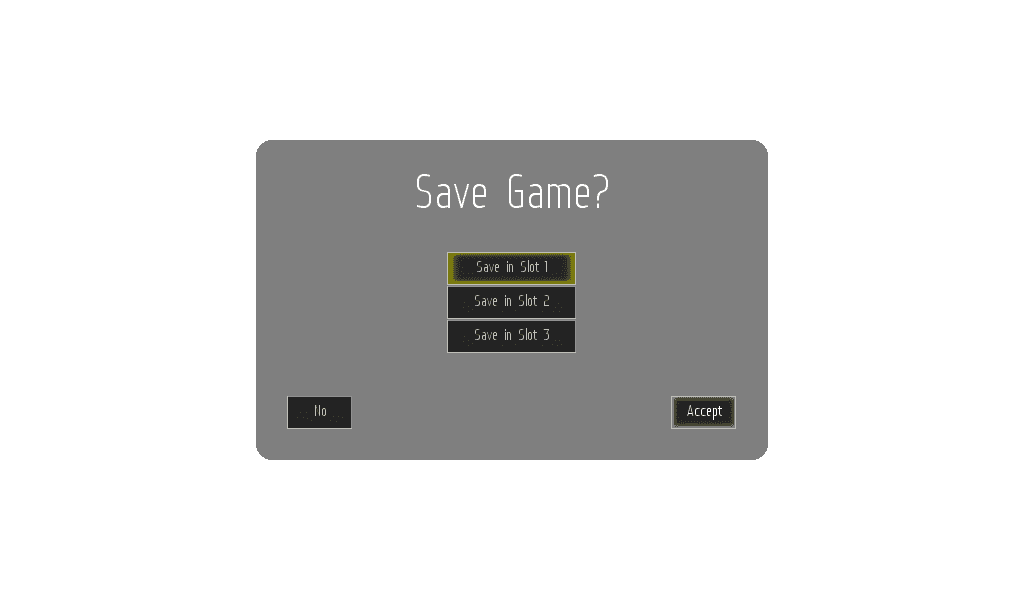
Game checkpoints – save and return to earlier states
-
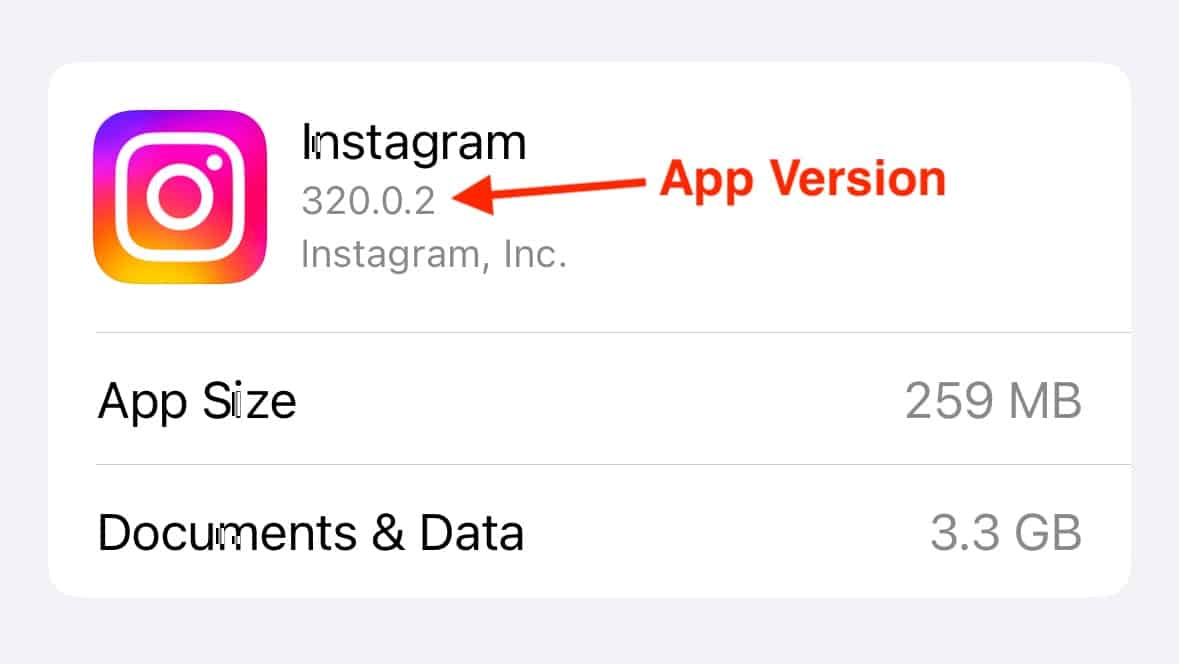
App versions – track new releases
-
Avoid messy filenames like
project_final_final_v2_revised.zip -
See version history like Chromium's
3. Git in Context
3.1 Git vs Other VCS
- Alternatives: Subversion, CVS, Mercurial
- All are version control systems, but Git is more popular and flexible.
3.2 Git’s Popularity
- As of 2018, nearly 90% of developers used Git (Stack Overflow Survey).
- It has since become the industry standard for version control.
Git allows you to:
- Track and compare changes
- Revert to old versions
- Merge changes from others
- Collaborate efficiently
4. History of Git
4.1 How It Started
- Created in 2005 by Linus Torvalds (creator of Linux).
- Frustrated with slow and proprietary tools used for the Linux kernel.
- Built Git in a matter of days.
- First official release came the same year.
4.2 Fun Fact
- You can explore Git’s early logs with
git logduring the session.
5. Who Uses Git?
Git is used by:
- Software developers and engineers
- Governments and research labs
- Scientists and academics
- Writers and content creators
Anyone who needs to track changes to files can benefit from Git.
6. Working with Git
6.1 Command-Line First
- Git is primarily a command-line tool.
- Used by running commands like
git status,git add,git commit.
While it can be intimidating at first, it's powerful and efficient once you're comfortable.
6.2 Git GUI Tools
Graphical interfaces make Git more accessible.
Popular GUI Clients:
- GitHub Desktop
- SourceTree
- Tower
- GitKraken
- Ungit
Pros of GUIs:
- Easier for beginners
- Visual and intuitive
Cons of GUIs:
- Hides inner workings
- Troubleshooting is harder
- Each tool works a little differently
7. Command Line vs GUI
| Feature | Command Line | GUI Tools |
|---|---|---|
| Learning Curve | Steeper | Easier for beginners |
| Speed | Faster once comfortable | Slower for frequent actions |
| Features | Full access | Often limited to common tasks |
| Portability | Same across systems | Tool-specific differences |
8. Installing Git
8.1 On macOS
- Check if Git is installed:
git --version - If not, download from git-scm.com
- Recheck installation with the same command
8.2 On Windows
- Download Git for Windows from the official site
- It includes Git Bash, a Unix-style terminal
- Preferred over Command Prompt for Git usage
Why Git Bash?
- Provides a Linux/macOS-like experience
- Comes bundled with Git
- Makes learning Git more consistent across platforms